
Cinema Studio
The same face in every shot.
Create a character, location or prop once. Mention it by name in any prompt and Cinema Studio attaches its reference images for you, so the shot you get back is the one you already cast.
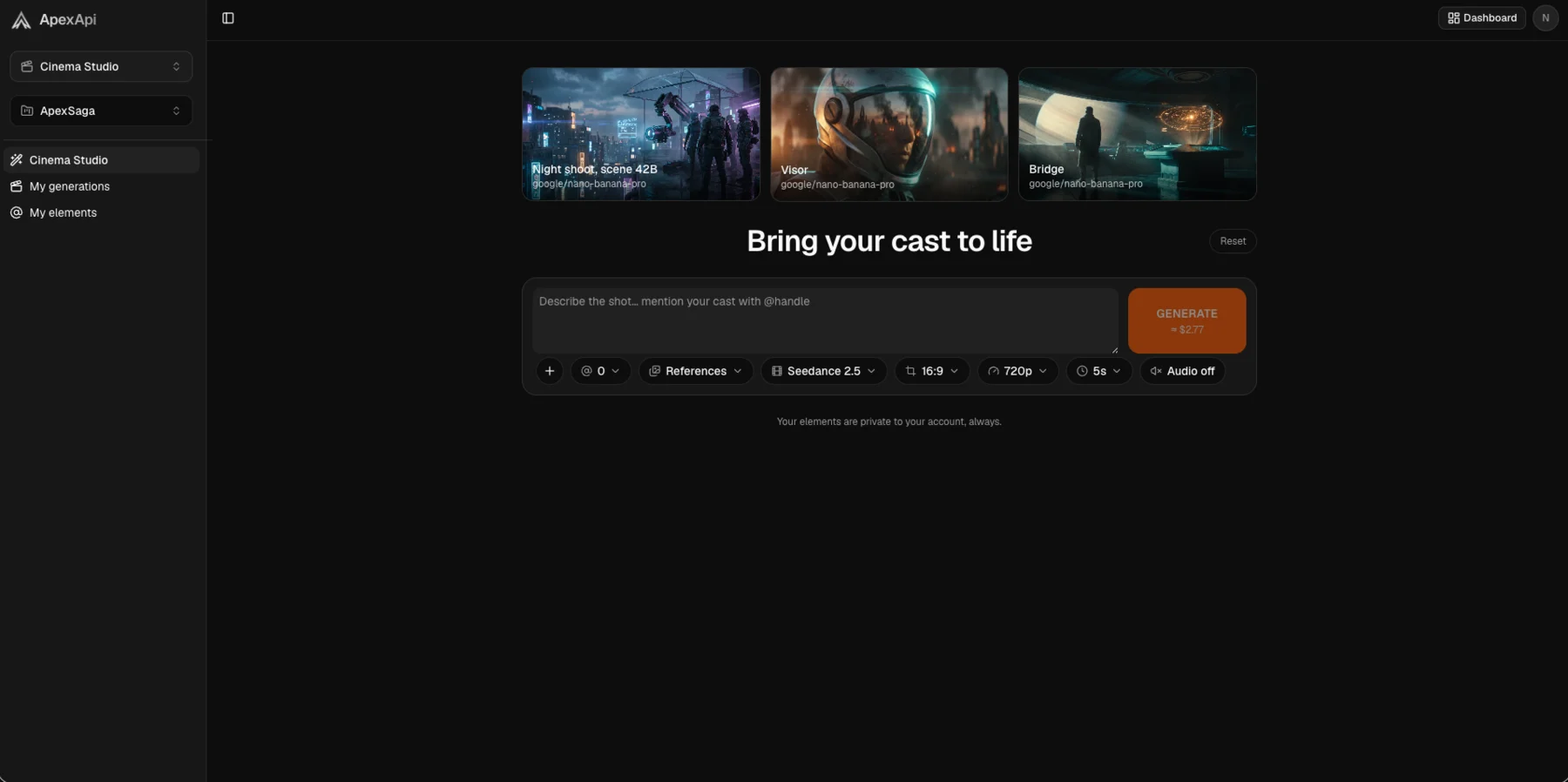
One reference. Three unrelated prompts.
A night alley, a diner at dawn, a cliff at golden hour. Nothing in the three prompts describes his face. It comes from the element.




How it works
1. Create an element
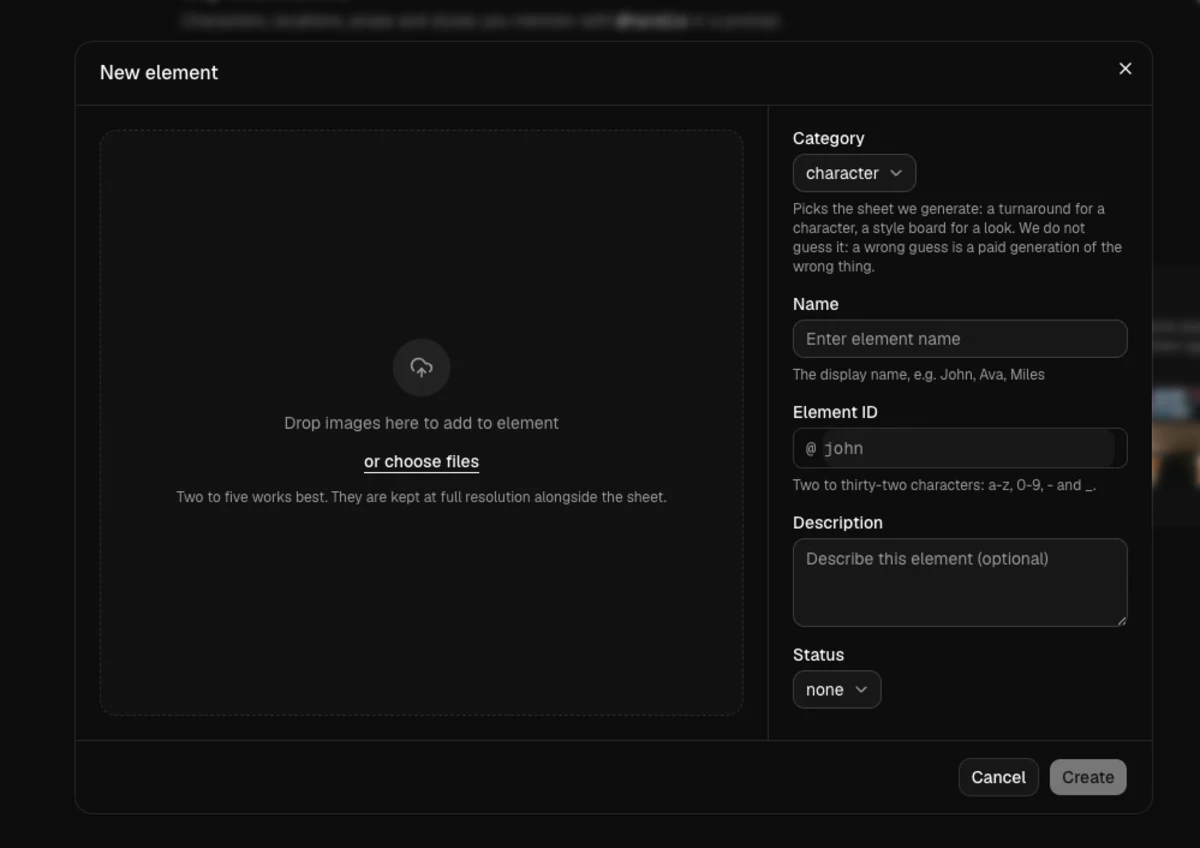
Upload two to five photos of a face, a place or an object. It gets a name like @john.
 @john
@john @alley
 @watch
2. Mention it in a prompt
Type @john anywhere in the shot description. The reference images are attached for you.
@john walks into the rain, neon behind him
3. Keep going
Every shot in the project can mention the same cast. Rename an element later and the shots you already made keep the prompt you wrote.



The actual screens
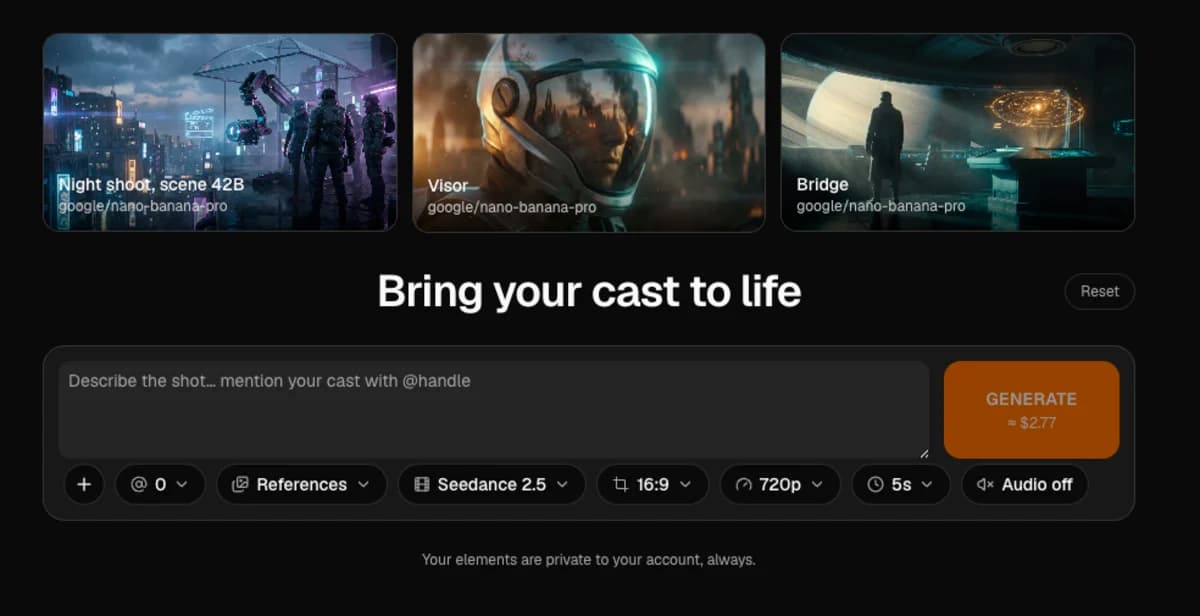
What is in the studio
Elements
A character, location, prop, style or product. Give it a few photos and a name, then mention it by that name in any prompt in the project.
Projects
Each film keeps its own cast and its own shots. An element belongs to one project, so two films never borrow each other's characters by accident.
The price, before you spend it
The Generate button carries the dollar figure for the shot you have set up. Change the model, the duration or the resolution and the number changes with it.
Frames and references
Start frame, end frame and reference images, offered per model. The composer only shows what the model you picked actually accepts.
The models behind it
32 video models today, and the studio shows you the price of the shot you have set up before you spend anything. The full list, always live, is at /models.
Questions
- What is an element?
- A thing you want to appear more than once: a character, a location, a prop, a style or a product. You upload a few photos, it gets a name like @john, and mentioning that name in a prompt attaches its reference images to the generation.
- Does it cost anything to look around?
- No. The studio opens without an account and you can browse the models and their prices. You need an account and credits only when you generate something.
- What happens to my prompt if I sign up halfway through?
- It is kept. Sign up from the prompt you were writing and you come back to it, with the model and settings you had chosen.
- Can I use the same models from the API?
- Yes. Cinema Studio runs on the same catalog as the API, through the same account balance. See the video generation page for calling them directly.
Cast someone and shoot.
The studio opens without an account. You need one when you want to generate.
Open the studio